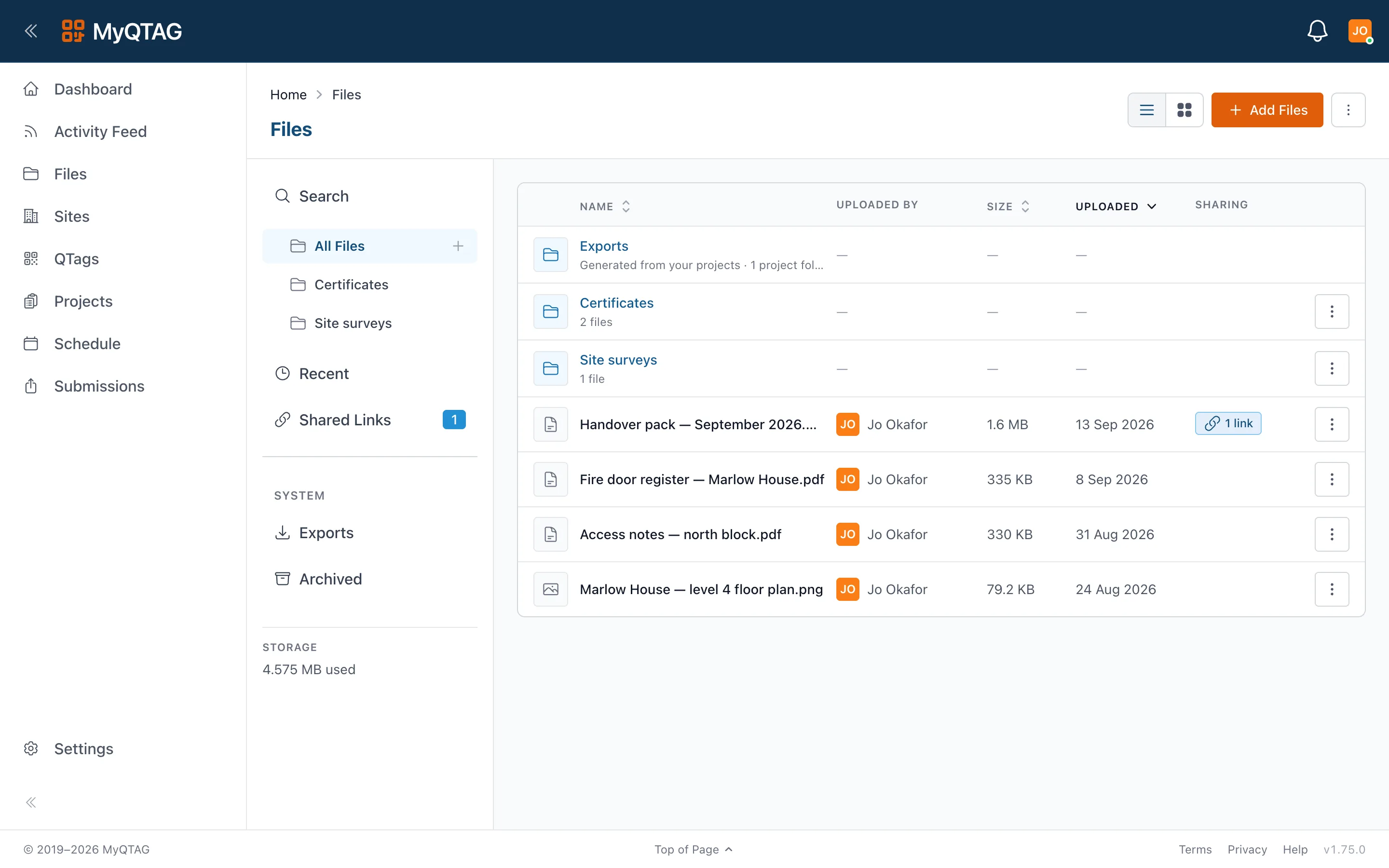
Forms & reports
Your inspection, your template — and a report that writes itself
Build the form your surveyors actually use, version it as it evolves, and turn every completed job into a client-branded PDF without typing anything twice.
The builder
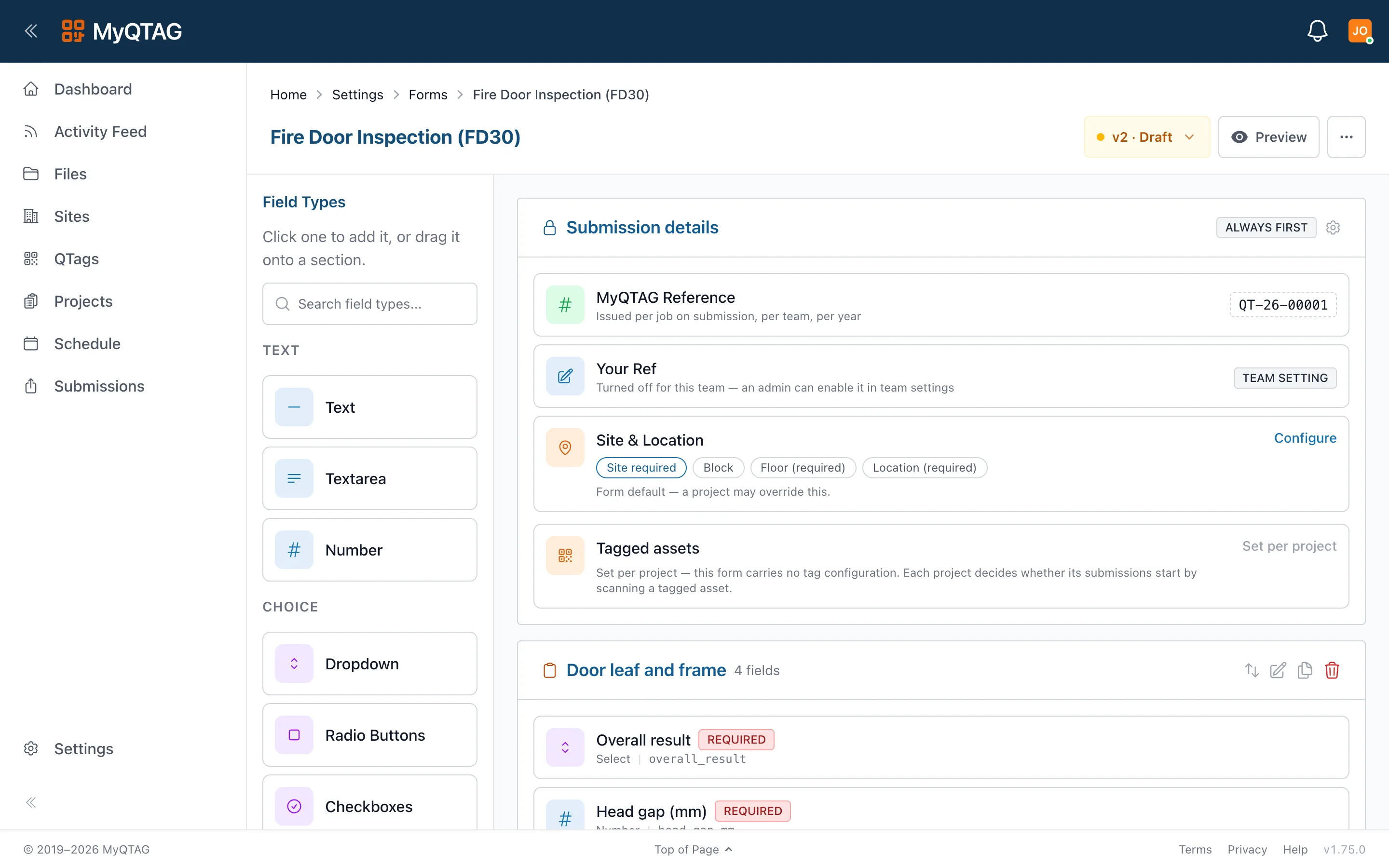
Sections, fields, validation, versions
Build templates from sections and fields with validation that runs offline on the device. Publishing is a deliberate step, so a half-edited template never reaches an operative's phone.
- Versioned templates with a publish workflow
- Duplicate a template, or export and import as YAML
- Share templates across projects and teams
Reports
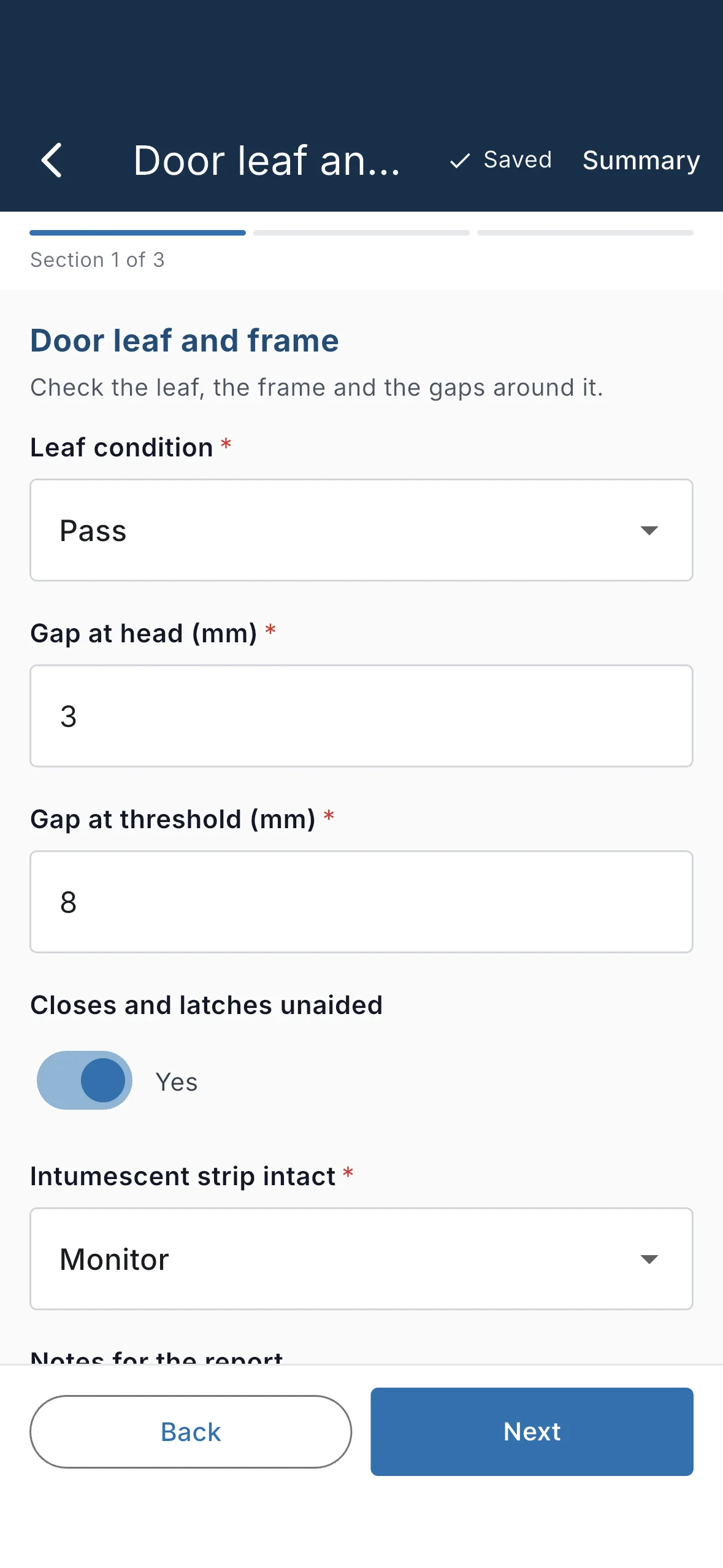
The approved job becomes the report
When a submission completes review, the PDF is generated — your client's branding, the photos, the signatures, and a floor-plan callout showing exactly where the door is.
- Client-branded PDFs, generated automatically
- The floor-plan pin rendered as an architect-style callout
- Every inspection kept, none overwritten
Exports
Export templates, not export chores
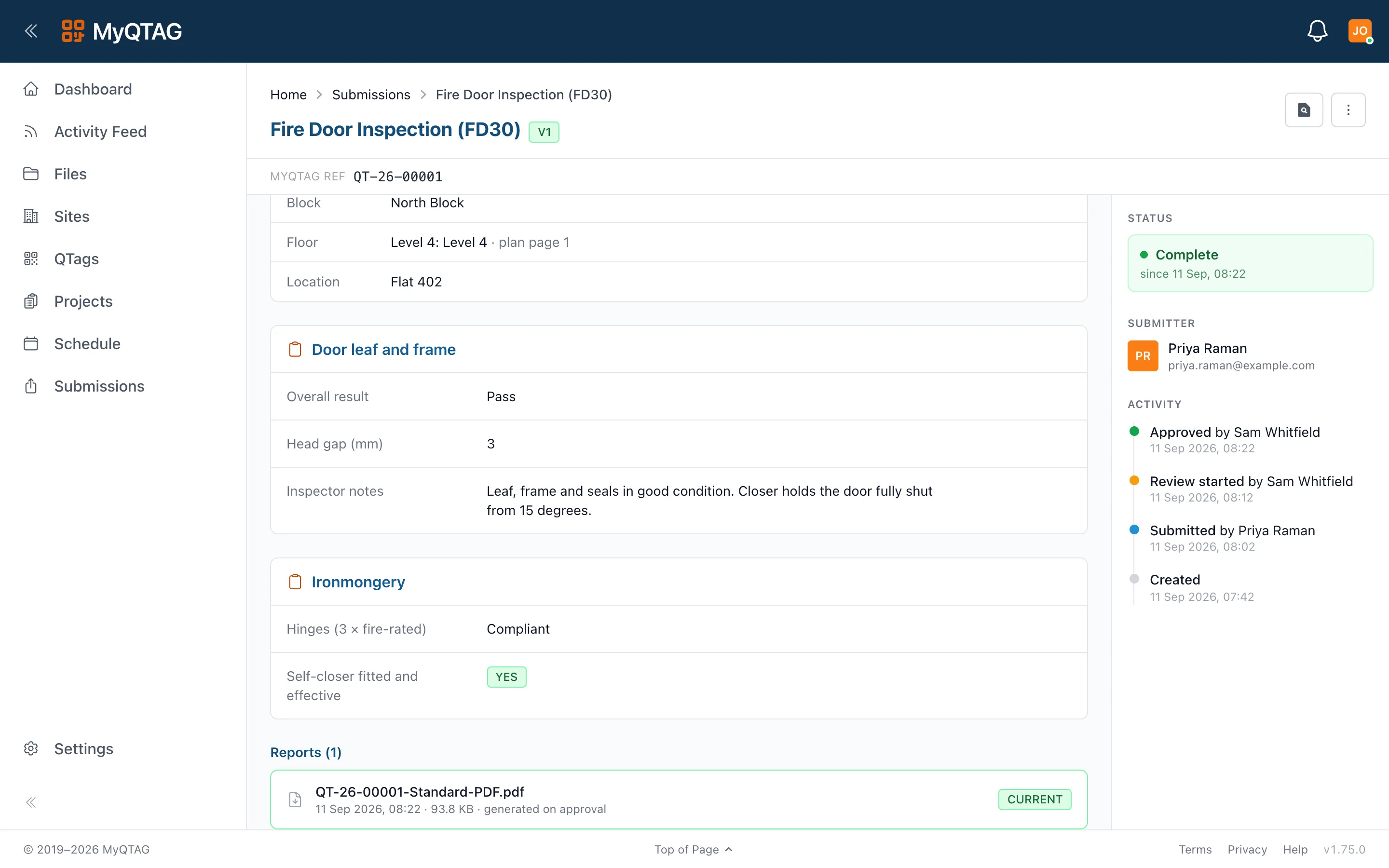
Decide once what an export contains and what the files are called. After that, exports and bulk archives name and file themselves.
- Export templates control content and layout
- Configurable file naming, applied consistently
- Bulk archives for a whole project or selection